In Short:
- Takeoff BOOST™, the AI suite in PlanSwift, cuts the setup work that slows down estimating before pricing even starts.
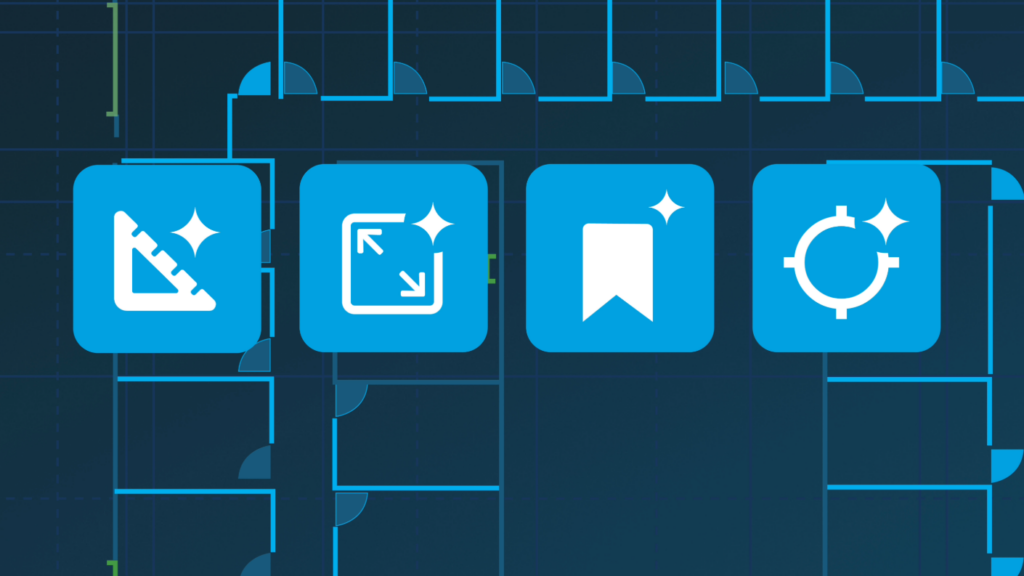
- The four AI tools include Auto Takeoff, Auto Scale, Auto Count, and Auto Bookmark, which automate detection, setup, counting, and navigation.
- Auto Takeoff gives estimators a fast first-pass scope, so go or no-go decisions take minutes instead of hours.
- The AI gives an estimated 80% head start, while the estimator still reviews, adjusts, and finalizes the numbers.
Every project in PlanSwift starts the same way.
Open the file. Set the scale on page one. Set it again on page two. Set it again on the site plan. Open the floor plan, start clicking walls one segment at a time. Hit page three and you’ve spent two hours on setup before you’ve priced a single line item.
That’s the part of takeoff nobody talks about: the time before the estimate starts. And it’s the part Takeoff BOOST™ is built to cut.
Takeoff BOOST launched in PlanSwift this month, and here’s everything you need to know about the suite of AI tools that will help you work faster.
What is Takeoff BOOST in PlanSwift?
Takeoff BOOST is a suite of AI tools built into PlanSwift. The four tools handle detection, counting, and setup, so your time goes toward the estimate, not the repetitive, time-consuming tasks that eat up hours of your workday.
In PlanSwift, the four AI tools include:
| Auto Takeoff | Detects walls, areas, lengths, and linear elements, and populates Conditions automatically. Instead of clicking every segment, you get walls, net areas, ceiling areas, and counts organized and ready to refine. One page measured in just minutes. |
| Auto Scale | Reads and sets the right scale directly across a whole Plan Set. No manual setup every time you change pages. |
| Auto Count | Finds and counts recurring symbols across your plan set such as doors, windows, fixtures, devices, and trade-specific symbols, without clicking each one individually. Processes up to 10 pages at a time. |
| Auto Bookmark | Builds smart links between floor plans, detail pages, and sections. Instead of scrolling and searching, you click a bookmark and go straight to the view you need. |
On a job you’re not sure about, run Auto Takeoff f